
Designing Pages in WordPress

A Illustrative Guide for Staff & Volunteers


Home » WordPress Design Modules

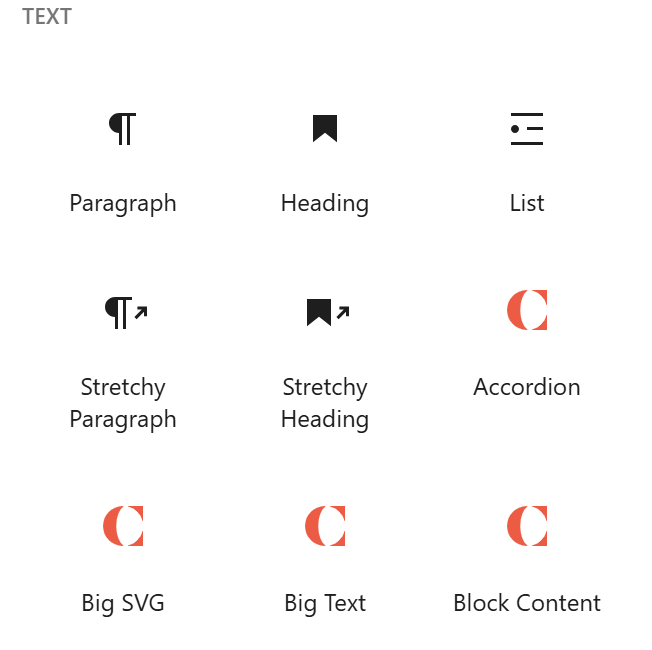
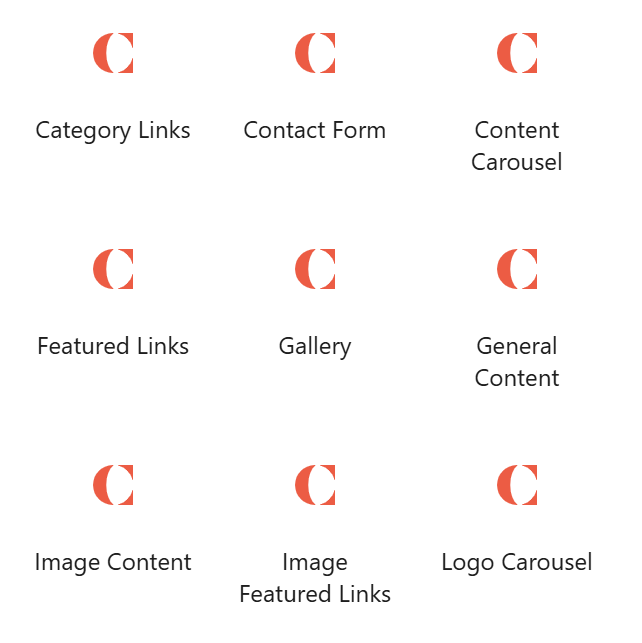
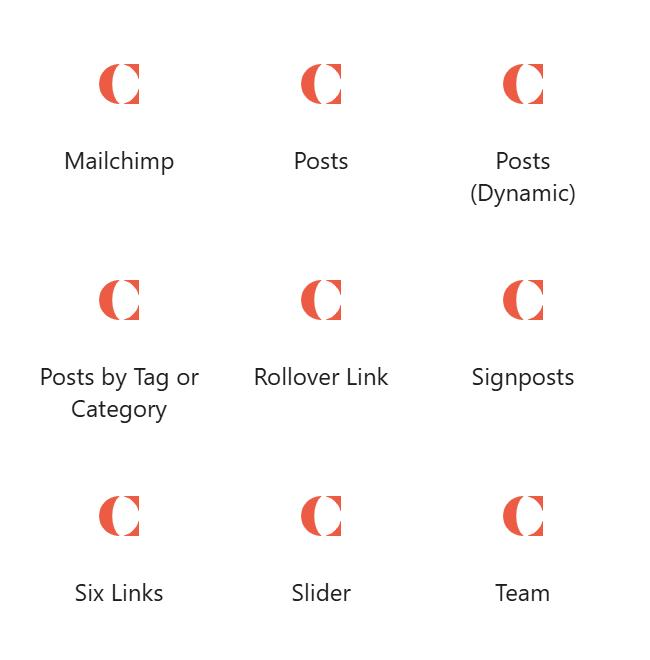
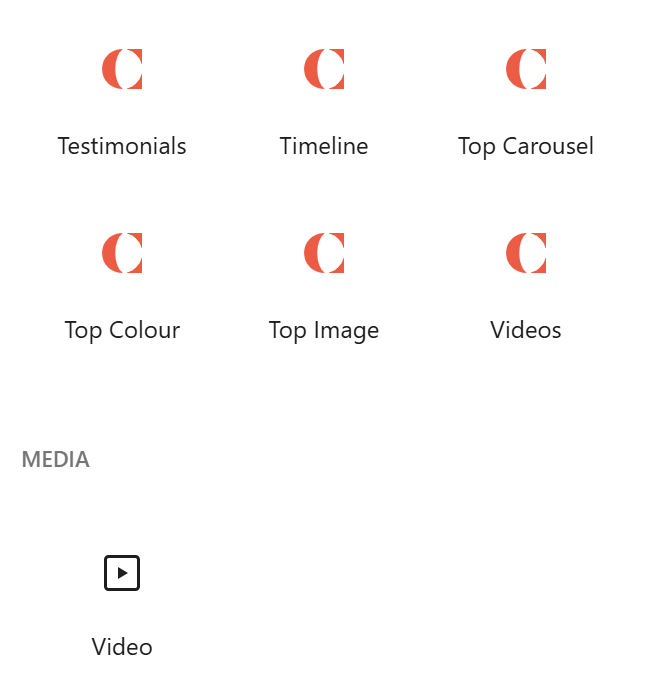
The WordPress Pages Block Editor on LH side offers a wide range of options for designing and laying out your page content. These can be quite overwhelming trying to work out which button does what, and how to lay out each section for users to best access the information they need. This page illustrates what each of the buttons creates, and groups them into content types for ease of reference when trying to identify what layout will work best for your desired page design.

This guide builds on this illustration created during the website’s initial design by Daydream Designs in November 2025.

List of Block Editor buttons

Choosing the Right ‘Blocks’ for your Purpose

The editor blocks illustrated above have been adapted / designed to the Cymru Global website and branding. The full WordPress Blocks List includes many more that we do not use, but is a handy reference. The ‘blocks’ menu subdivides into a number of categories: TextMediaDesignWidgetsTheme, and Embed.  

TextMediaDesign
Paragraph
Heading,
List (bullet points),
Accordion
Button
Stretchy Heading
Stretchy Paragraph
Content Carousel,
Image Featured Links,
Slider,
Six Links,
Logo Carousel,
Gallery (4 columns / 3 columns),
Signposts,
Video,
Big SVG
Top Colour,
Top Image,
Top Carousel
Testimonials
Timeline,
Team,

Contact Form

< ADD TABLE LISTING WHICH (CYMRU GLOBAL) BLOCKS FALL UNDER WHICH CATEGORY >

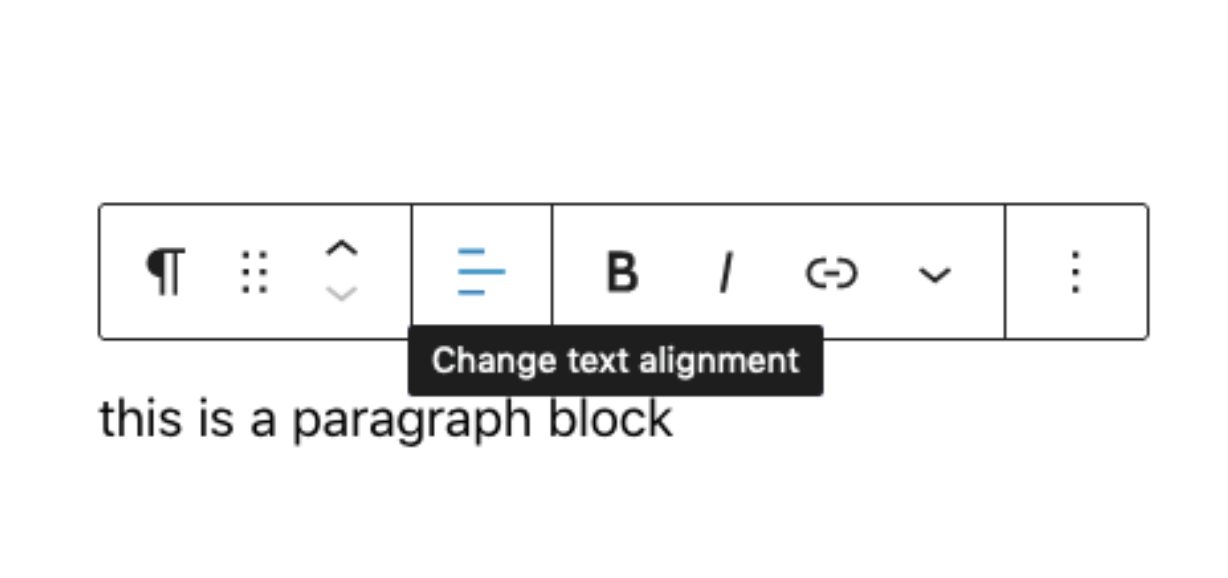
Each individual block has its own unique controls, such as typography options for text blocks or duotone filters for images. Clicking on a block will automatically open that block’s control panel. If you have trouble identifying what the icons mean, you can hover your cursor over them for a brief explanation. 

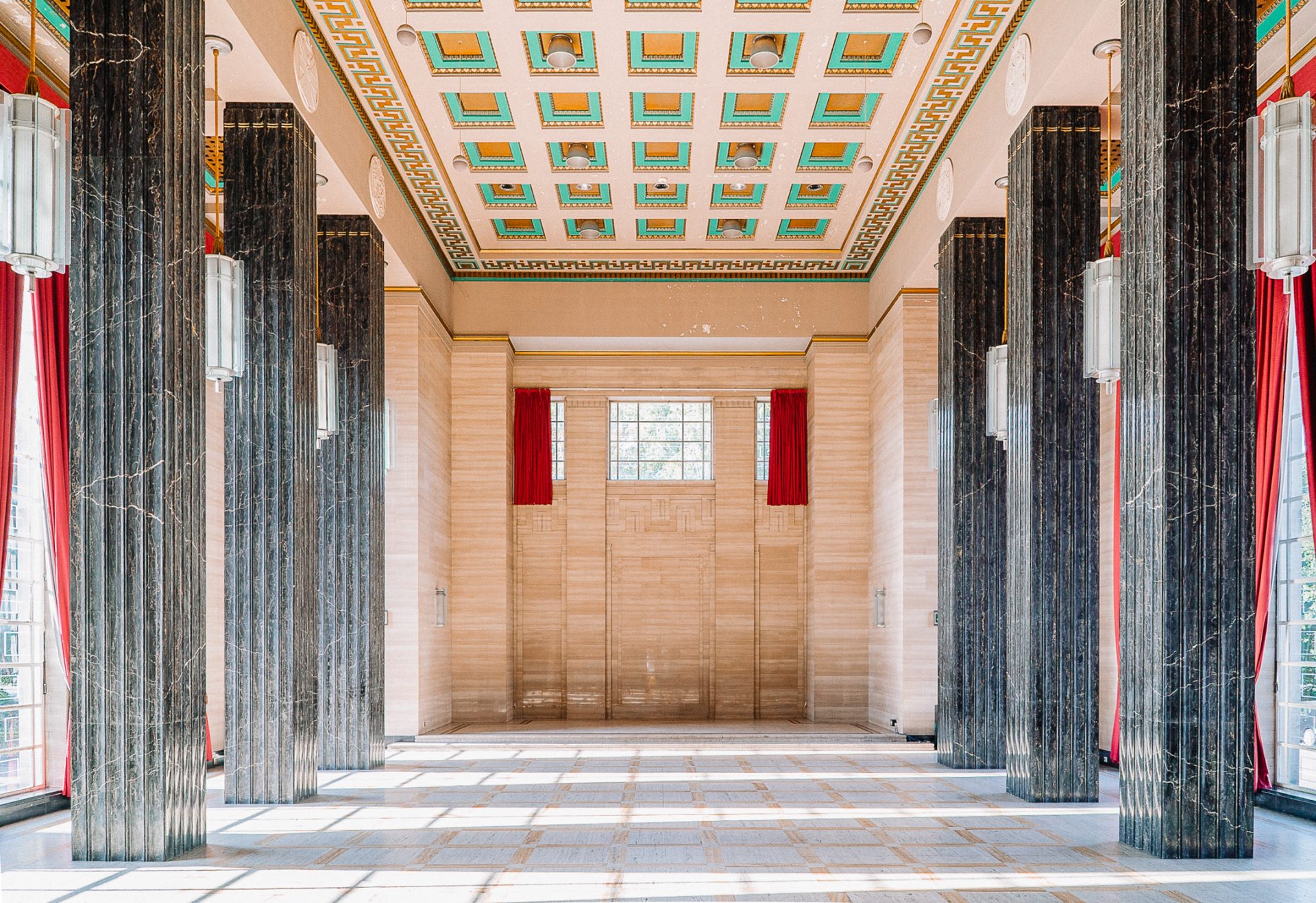
Top Image – this creates a banner image across top of web page, as above, which can include within it headings, body text and buttons with hyperlinks

Top Colour

Top Carousel

Content Carousel – this creates full width coloured blocks that swipe L-R, into which can be embedded images, headings, paragraph text, hyperlinks, and buttons.

Timeline – this creates a visual timeline down middle of page with alternating blocks either side, each with 2 images to LH and Heading / Text / Hyperlinks to RH, and vice versa.

Big SVG – this embeds a full width image wihtin a coloured box or frame.

List – creates a bullet point list

Accordion – this creates headings with downward arrows that ‘open’ more detailed bodies of text, really good for long and indepth content.

Gallery with 4 columns, and with 3 columns

Video

Heading – ordinary, non stretchy…

Big Text

Block content

Category Links

White Button Orange Button

Image Featured Links

Signposts

Gallery with 4 columns

Galleries are for showcasing images (eg 4 column example below), or graphics in which text is already designed / embedded (eg 3 column example below). To add text in the editor, use ‘image featured links’ or ‘signposts’ (above).

Gallery with 3 columns

Content Carousel

Effectively a ‘1 column’ gallery

‘Six Links’ button bank

Creates a ‘bank’ of 6 smaller buttons across the page, ideal if you want to direct users to a wide range of links or downloads (such as for a learning resource)

Accordions

Drop down text, which can include embedded images and attachments:

‘add media’ enabled you to embed pictures and symbols or graphics

‘fields and views’ opens dozens of options, from taxonomies4w

Stretchy Heading

Stretchy paragraph – contains more text than a heading 

Testimonial / Quote Box

The ‘testimonial’ block creates a coloured box into which a quote or paragraph can be highlighted.

Embedded Video

This example, ou Cymru Global brand video, is loaded direct into the wordpress media library; but you can also paste URLs from Youtube, Vimeo or other players.

The ‘Video’ block embeds a full width clip:

The ‘Videos’ (Youtube / Vimeo embed) block displays multiple clips side by side, streaming from their existing online URLs.

Big SVG Block

This is designed to display one bold, full page-width graphic against a branded colour background

Rollover Boxes

These were widely used on the previous WCIA site, and have been ‘migrated across’ in order to not use the rich links from the last 10-15 years. However, we aim to gradually phase them out as they are not very user friendly re visual accessibility, do not print well, + the ‘overay label’ / floating text cannot be copied & pasted. Their function is easiest replaced by ‘Signposts’ or ‘Image Featured Links’